
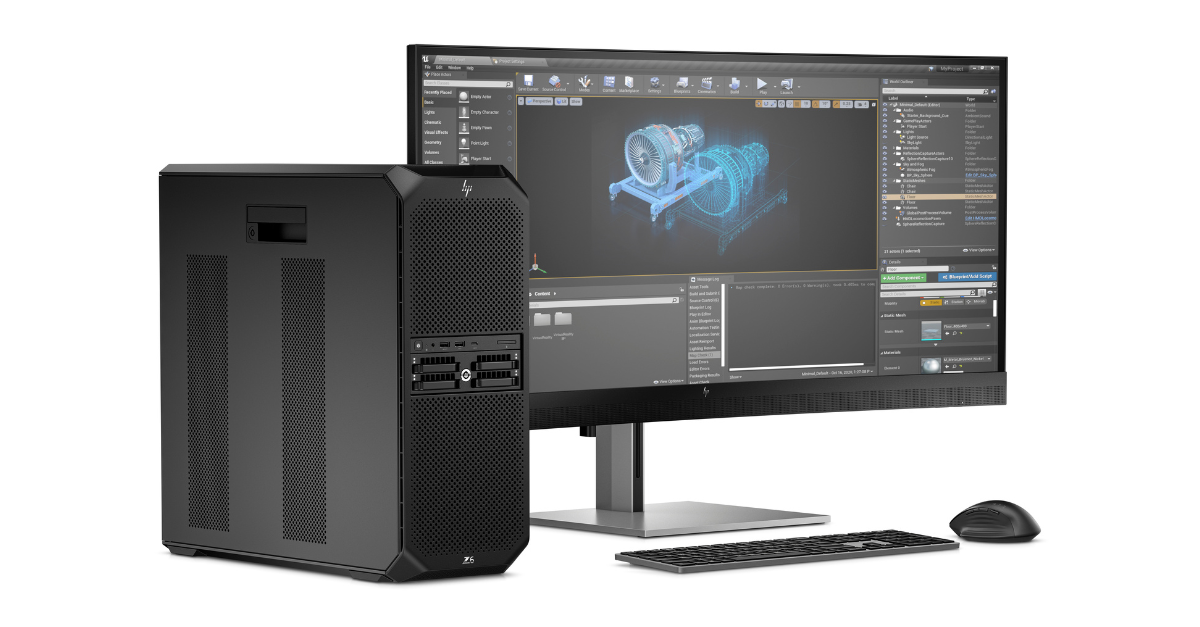
AI PCs matter when the applications your users rely on can take advantage of local AI processing. Application requirements and user workloads provide a better starting point than buying hardware based on the AI label alone.
Identify where AI is already entering your software stack and where application vendors plan to add it. This helps separate immediate hardware requirements from capabilities that may not yet affect your users.
What Changes Inside an AI PC?
Traditional business PCs rely primarily on the CPU for general computing and the GPU for graphics and parallel processing. Many newer systems add a neural processing unit, or NPU, designed to accelerate certain AI workloads with lower power consumption.
Look for AI workloads that involve:
- Features supported by current business applications
- Tasks designed to use NPU acceleration
- Workloads where lower latency matters
- Sensitive data that may benefit from local processing
- AI capabilities included in application roadmaps
The value of AI PCs depends on whether the applications you deploy can use these capabilities.
Does Every User Need the Same AI Hardware?
No. A user working primarily in standard productivity and collaboration applications may have different AI requirements from someone using software with computationally intensive AI features.
Create device profiles around the applications employees use and the AI functions those applications support. That provides a clearer basis for deciding where local AI processing can provide practical value.
Put AI Requirements in Context
You do not need AI-capable hardware simply because it is available. The relevant question is whether your applications and workflows can use it.
From its San Clemente, CA office, Sehi works with organizations across the United States to determine where AI PCs can support existing applications and emerging AI workloads.
To learn more about HP AI PCs and where they may fit within your IT environment, connect with Sehi at www.sehi.com or call 1-800-346-6315.